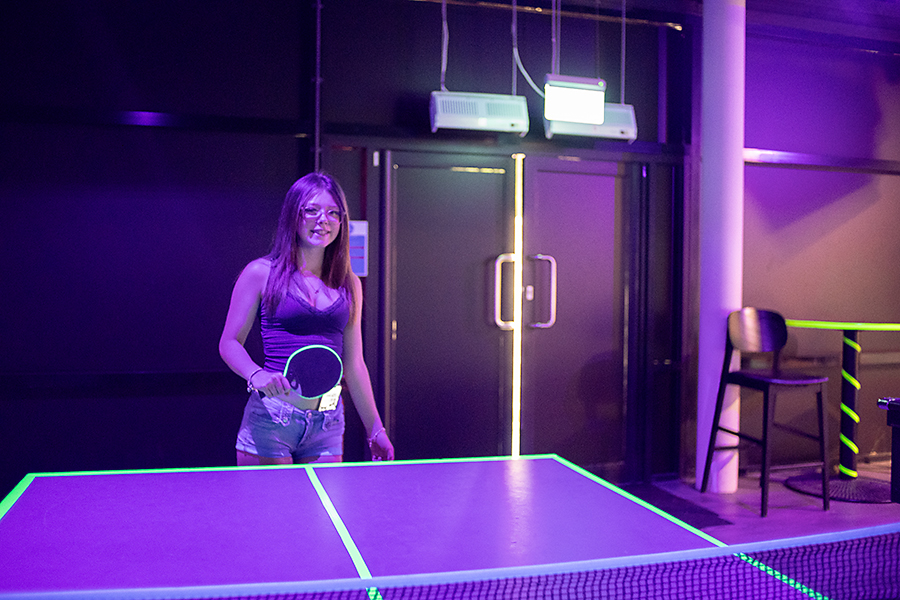
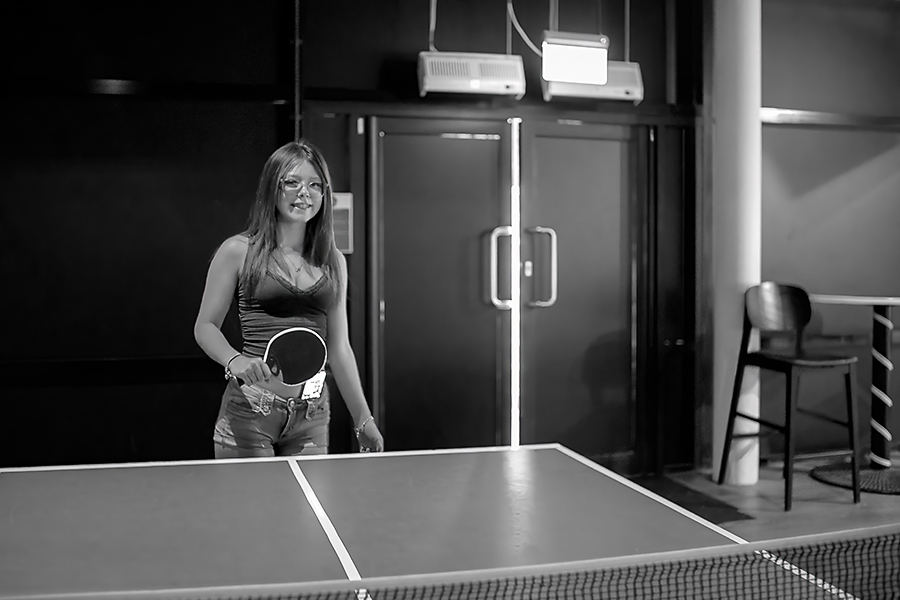
Ritva hosts this weeks Lens-Artist Challenge and asks us to post images of the same picture edited in two different ways. Her original post can be found on this link: Lens-Artists Challenge #154 / 410 – One Photo Edited
I’m really struggling with this weeks challenge as I very rarely change an image that much in post processing. I was always told that you should try to frame and expose your images in camera, (this probably stems back to the days of film!). I’ve always subscribed to that view and try to get my images as I want them in camera. With modern mirrorless cameras the EVF has pretty much done away with widely incorrect exposed images. I do tweak with minor crops quite often.
However, that said, I think modern cameras and processing software, have made it easier than ever to crop heavily and manipulate images in post processing. My Fujifilm X-T5 has a 40.2 megapixel sensor which results in images that can be cropped really heavily in post and still produce a good size file for printing to a reasonable size. Without touching on Generative AI, modern software like Topaz can recover noisy/blurred images that a few years ago I would have immediately binned.
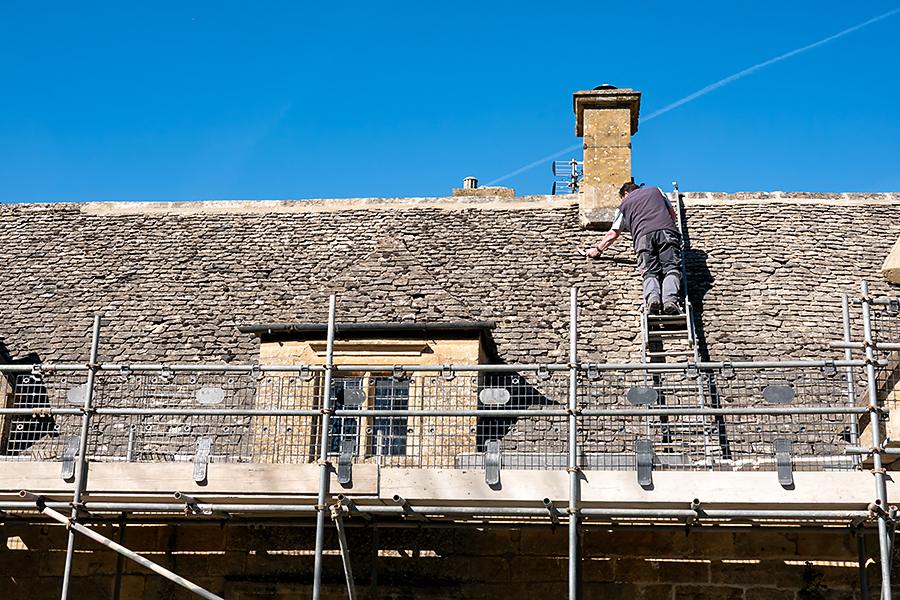
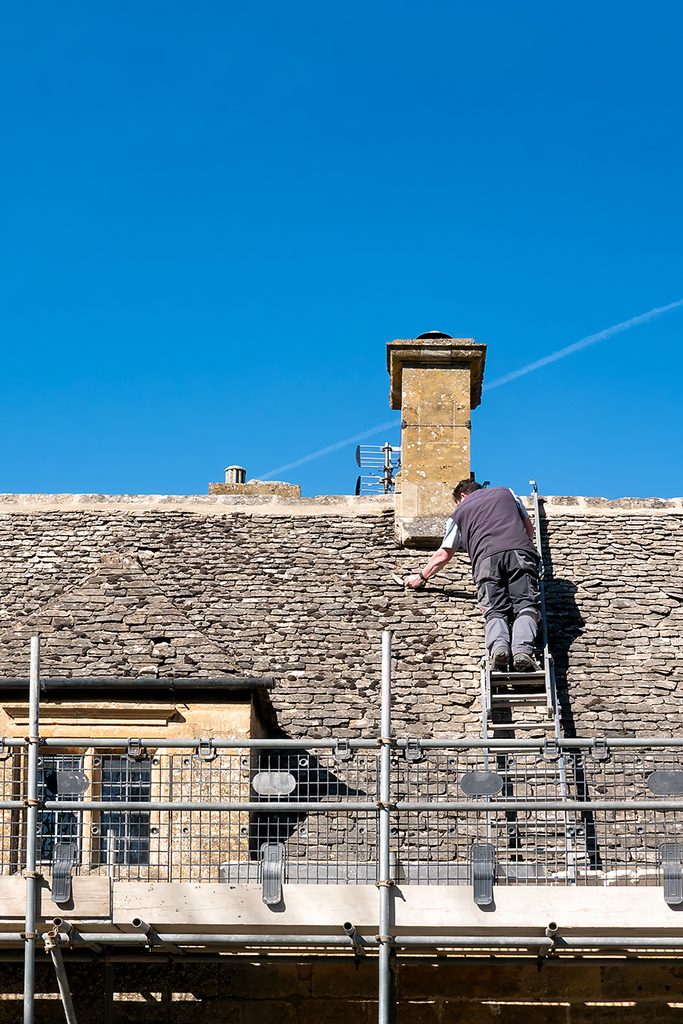
Next up are a couple of images where I’ve used Generative AI in Photoshop, to manipulate a crop that is the same size as the original image. I wanted to upload both images as stock so the vertical crop had to be the same size in pixels as the original, along the longest edge, to get through the stock agency quality control. Alamy were fine with contributors using Generative AI, as long as the fact that it had been used was added to the upload notes. I’ve used Generative AI to add more sky to the top of the original image to create my vertical version.
Personally I don’t think the crop makes for a better image. What it does do is give a picture editor more usable options for newspaper or magazine articles. Obviously the in house editors can do this themselves but, quite often searches for images are made with the preferred image orientation in the search terms. For example, with these images, I’m guessing it could look like ‘Cotswold, cottage, roof tiles, roofer, isolated, vertical etc.
My third example is using post processing software to create a completely different image from the original. A few years ago, I decided to take on my own photography project and photograph all the Wallace and Gromit sculptures displayed around Bristol. To be different I decided I wanted to record them all as Polaroid images. Although I own a polaroid camera, the cost of using that for the project was prohibitive. So, I decided to create my Polaroids in Photoshop using a Polaroid Generator Action. It worked really well and here’s an example of the action used on an image of my favourite sculpture.
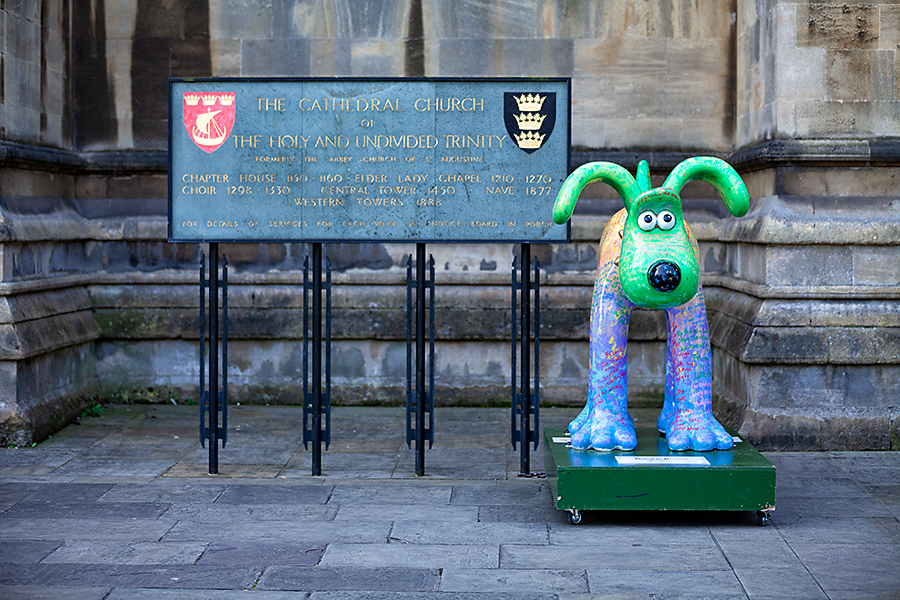
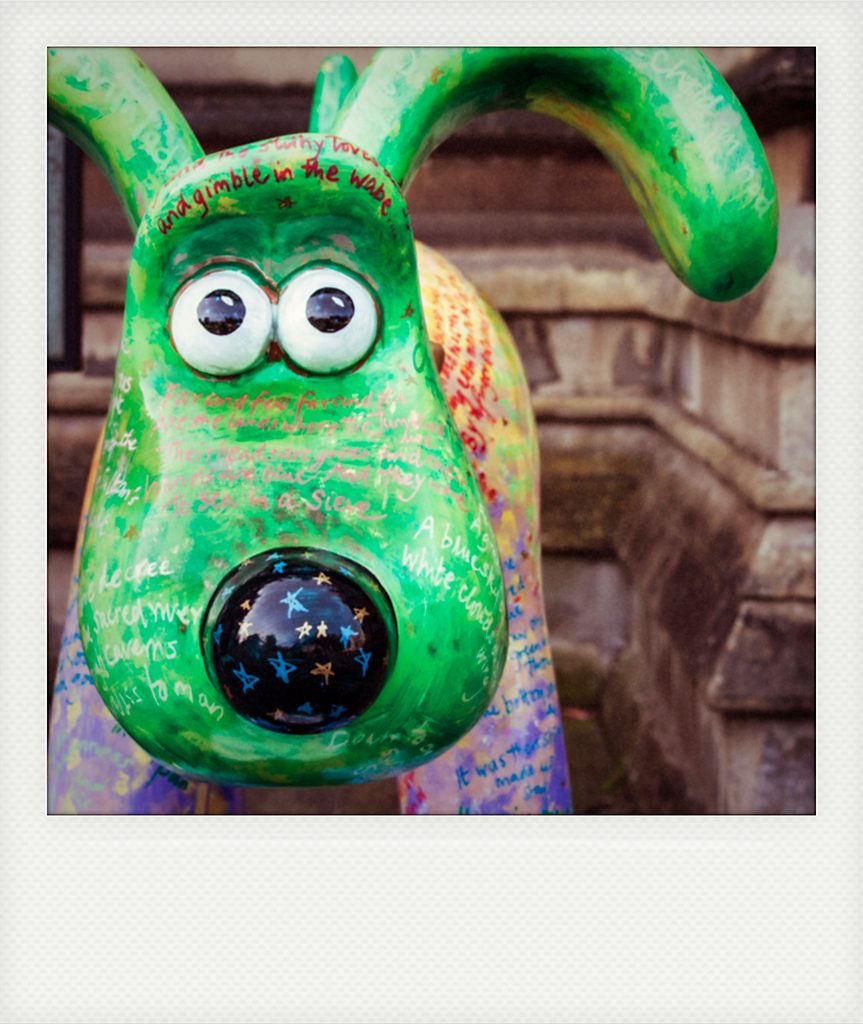
I’m going to leave my post there and thank Ritva for hosting this weeks challenge. Thank you to everyone who posted for my challenge last week and for all the kind comments I received. I read every blog I could find using the pingbacks and Lens-Artists tag. Apologies to anyone I missed. I was surprised how many Lens-Artists posts I don’t normally see, as they don’t appear in the tag search in the Jetpack reader. I had a good insight into just how hard the Lens-Artists team work to bring us these weekly challenges. I take my hat off to them all.
Finally I’m in the process of moving my hosting from wordpress.com to Fasthosts here in the UK. I wanted to make use of plugins to modernise my site and WordPress.com are too expensive for that option for my blog hosting needs. So this is my first live post from the new site. If you do read this outside of the Jetpack reader, you might find yourself on my nearly finished site, but it does currently contain no other posts other than test uploads for the new layout. I’ll be moving everything over from the old site and moving the old domain name once I’m happy with the new design.
All images: ©Stephen Hyde 2007-2026 – All rights reserved.
Steve, you are such a good photographer and your technical skills so much better than mine. I always admire you photography – i am not one for big words easily, but these are excellent as always and show case that less is more. Thanks for joining.
Thank you Ritva. Funny thing is I think the same about your photography 🙂
Is this supposed to show when entering your blog: Ooops… Error 404
Sorry, but the page you are looking for doesn’t exist.
Go to the homepage
All due to the change coming?
Hi Ritva, I think I caused the problem there by uploading a duplicate post. I was trying to generate a tag that would display in reader. That didn’t work so I deleted the post, hence the 404 error. The good news is that as a result of checking the links in your comment I’ve made some improvements. I didn’t realise I had to edit my 404 page and some other templates 🙂
These are great! How fun.
Thank you Kirsten 🙂
Your post isn’t showing on WP reader, for some reason. I’m glad I’ve found it! I love the last one, it’s good fun and also all your explanations, so much still to learn on my part. I have tried to email you, following your request (ages ago, sorry, btw), but it doesn’t seem to work.
Hi Sophia. Thank you for the kind comments. Thanks for trying the email, it was just a question in relation to challenge post times – GMT or BST. That’s sorted now. This is the reason my tags haven’t appeared in the reader. Hopefully once the domain transfer goes through I’ll close the old site and I’m hoping that will sort the issue – https://stevehyde.me.uk/a-new-theme-for-my-blog/
Steve, your photos are all amazing. I like both the original and the cropped close up of Wallace and Gromit. I love the detail in the Polaroid closeup of his face.
Thank you Beth 🙂
Well done as always Steve. I don’t envy your transition as those are never easy! Glad I found your post which is wonderful. Gotta really love the pup although I’ve totally forgotten his name! (Is he Grommet)??
Hey Tina, yes that’s Gromit. Thank you for the kind words. The transition has gone well but… I’ve now discovered that my Lens-Artists tags will not appear in WP Reader unless I upgrade Jetpack to one of it’s paid subscriptions. I’m deliberating over that today but I think I’m going to sign up to ensure my posts are found 🙁
Fun editing Steve. I wouldn’t even know to do most of what do. 😊
Thank you Brad 🙂
Excellent as always, Steve – and I love Gromit!
Thank you Ann-Christine 🙂
Excellent examples, Steve. That b&w is so much better than the color image. You have a lot of work to do in your conversion. Good luck in the transition. I’ve thought about moving off WordPress, but the logistics and the fact that my theme allows all of the basic flows I need (and inertia) have kept me there. >grin<
Thank you John. I mostly have everything working ok now. I’m not sure if I would have moved if I had known some of the consequences, i.e. JetPack not displaying tags unless you have a paid subscription to one of the JetPack packages. It might have been cheaper to have just upgraded to WP Business package but I resent them for locking you in with crafty moves like that. I’ll blog the pitfalls of moving next week 🙂