Every so often I get a photography itch and that itch makes me wonder what it might be like to shoot a roll of film. I follow several photographers who use old cameras, shoot on film, and produce some lovely results, albeit with that vintage rendering feel to their images. One particular photographer, who I’ve followed since my early days on Flickr, is now using instamatic cameras with assorted film brands.
Using an instamatic film camera was something I’d never considered. Some research soon revealed that there are more than a few well regarded point and shoot cameras. One of these being the Olympus MJU MkII, also known as the Stylus Epic. It has a very sharp 35mm lens and it still commands a good price second hand on Ebay. A really good example will cost you between £250-£350 in the UK.
I wasn’t sure I was willing to spend that much on an experiment but to make a more informed decision I started to research the cost of buying film and then having it processed. I thought I might like to shoot with Kodak Portra 400 because I like the way it renders images I’ve seen on Instagram. The film is available in the UK and retails for £20-£23 for a 36 exposure roll. Development costs for that roll of film costs anywhere between £14-£26 depending on the quality of the scans that are returned to you. It’s up around £26 mark if you want High Res TIFFS.

Even picking up a bargain deal, shooting a roll of film was going to cost at least £40. If you don’t want scans the processing comes in at a more reasonable £6-£8. However, I don’t have the equipment to create my own scans. You can probably guess that by now I’d decided that the cost of shooting a roll of film was going to be inhibitive. So I wondered if I could create the Portra 400 look I wanted with software or by using a film simulation recipe with my Fujifilm X-Pro2.
I tried the software route using Nik Color Efex but I wasn’t overly impressed with the results. I then found a Fujifilm recipe for Portra 400 online which I entered into my X-Pro2 using a custom setting. I’d not done that before but it’s quite a simple process. I’ve been using that setting to take a few images around home using a vintage lens, and I really like the results. I know it’s not the same as achieving the results with film but I’m happy enough with it as a cost effective alternative.


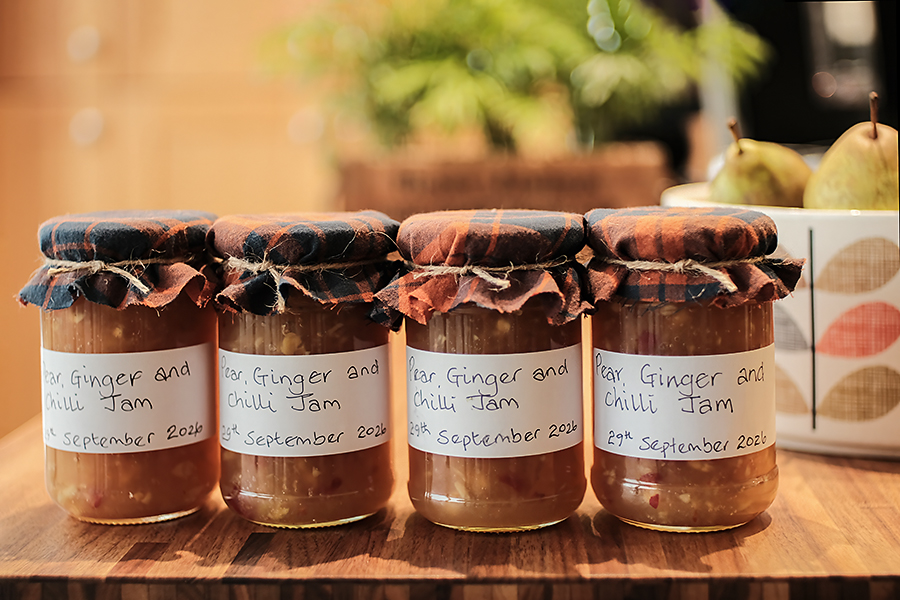
I found that they’re were updated Fujifilm film simulations for later Fuji X camera models with the X-Trans IV sensor. My X-T5 is one of those. So I then setup my X-T5 with the updated Portra 400 simulation and there is quite a difference and I’m not sure which version I prefer.


I then went searching for some alternative simulations and came up with an X-Trans Sensor version of Kodak 250D ECN-2 film. This was another old film I’d seen on Instagram posts and really liked. I set this simulation up on my X-T5 and here are a few examples shot with the same vintage Nikon 35mm lens used for everything else in this post.


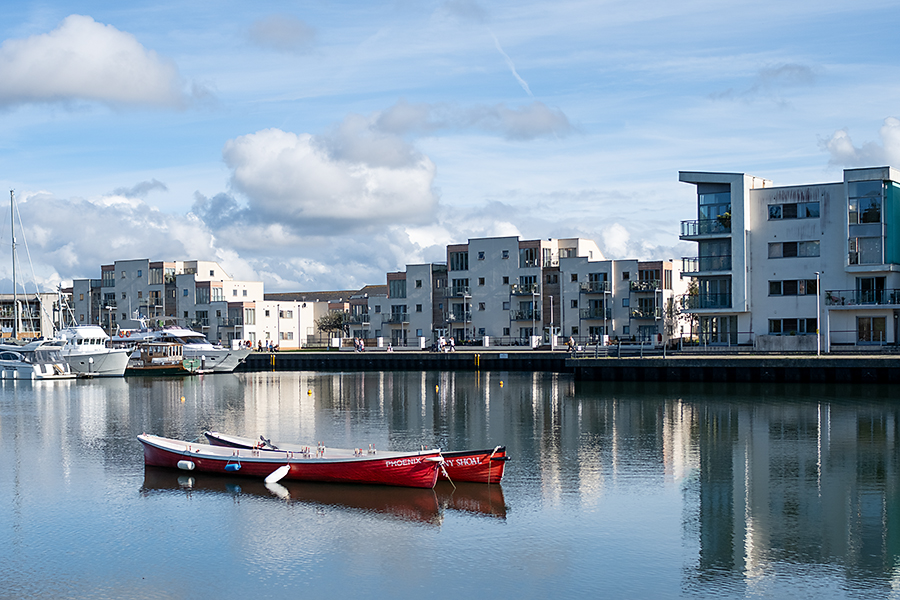
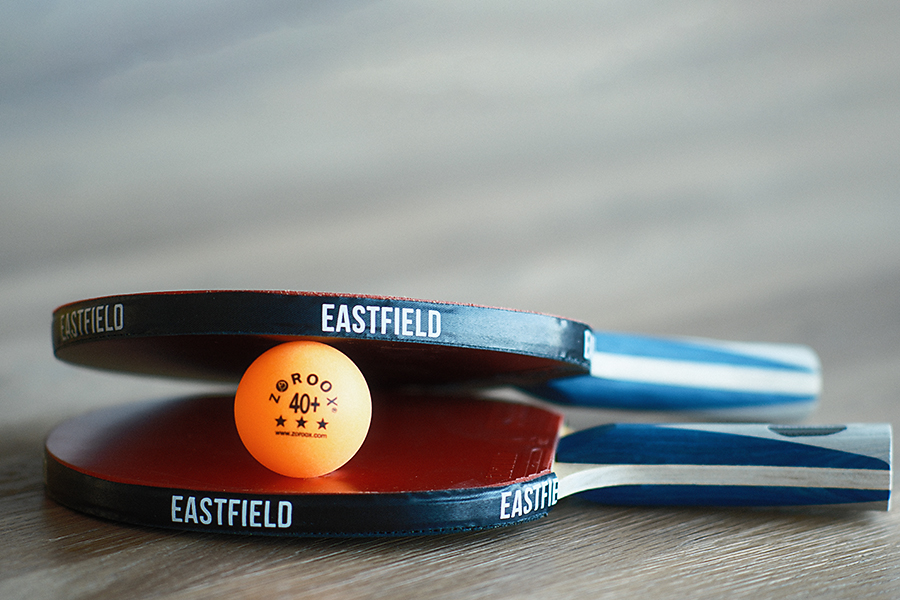
I’ve enjoyed playing around with the film simulations at home. I tried a few shots outside today and I wasn’t overly impressed with the results. I’ll continue experimenting and I do have the luxury of always having an unprocessed RAW image of the same scene saved to a separate card with my fuji cameras. The final shots were taken using the Kodak 250D ECN-2 film simulation on my X-T5 but I did pull the white balance back a little in Photoshop. My vintage lenses always skew the white balance on the warmer side and I nearly always have to pull it back a bit. I think it’s the lens doing that here rather than the simulation recipe.
All images: ©Stephen Hyde 2007-2026 – All rights reserved.